
What players say
Sppp Sand Art Creative Drawing succeeds by doing one thing well: simulating the feel of drawing in sand. The pressure- and speed-sensitive surface gives each stroke a distinct texture, and the absence of levels, scores, and ads keeps the experience low-pressure. It suits children and adults who want a calm creative outlet. The main limitation is that the app offers no structured goals or progression, so anyone seeking challenges may find it too open-ended.
About this game
A Canvas That Responds to Touch
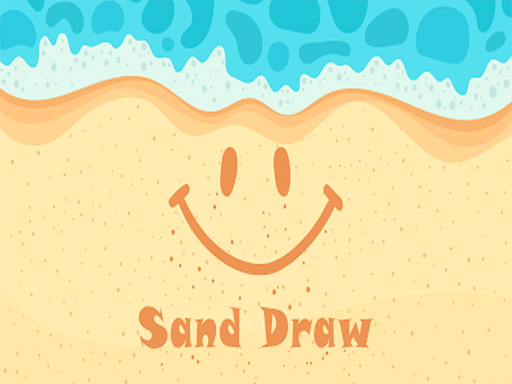
Sppp Sand Art Creative Drawing recreates the feel of drawing on a beach. The touch-responsive surface reacts to pressure and speed, so a light, quick stroke leaves a different mark than a slow, firm one. That single mechanic is the whole app: you shape sand rather than paint pixels. [IMG_1]
What You Actually Do
Open the app and you get a blank sand canvas. There are no levels, timers, or scores. You draw words, shapes, or full scenes with a finger or stylus. If a line goes wrong, a smoothing tool wipes the sand back to a clean state and you continue. When a piece feels finished, you save it as a photo to your device or share it directly through social media and messaging apps.
Who It Suits
Because nothing is graded, the app works for children and adults alike. The interface is clean and family-friendly, and there are no ads interrupting the drawing process. The appeal is the process itself: a low-stakes way to make something that looks like real beach sand art without the mess.
Getting Better Results
Experiment with how hard you press and how fast you move; the texture responds to both. Simple letters and shapes are a good warm-up before attempting detailed scenes. Smoothing is not just for mistakes; it can refine edges. Saving favorites builds a personal gallery over time.
Compatibility
FAQ
Player Comments
Sign in to comment
You must be logged in before posting a review or rating.
No comments yet. Be the first to comment!




Editorial Notes