
What players say
Sppp Sand Art Creative Drawing is a delightful app for anyone who enjoys creative expression without pressure. The realistic sand texture is impressive, and the simple touch controls make it easy for all ages. The lack of ads and in-app purchases is a huge plus. It is a perfect stress-relief tool and a great way to spend quiet time.
About this game
Game Introduction
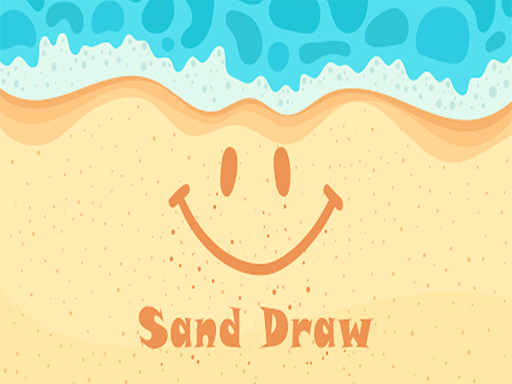
Sppp Sand Art Creative Drawing is a relaxing application that recreates the experience of drawing on a sandy beach. The main purpose is to allow users to create beautiful sand art images using a touch-responsive surface that feels like real sand. There are no scores, time limits, or competitive elements, making it a calming activity suitable for both children and adults. The app encourages imagination and artistic expression without any physical mess, letting users produce artwork that resembles real beach sand creations. It is designed to be a stress-free creative outlet where the process matters more than the final product.
How to Play
Playing Sppp is simple and intuitive. When you open the app, you see a blank sand canvas. You can use your finger or a stylus to draw on the sand. The texture changes based on how hard you press and how fast you move. You can write words, draw shapes, or create detailed scenes. If you make a mistake, you can smooth the sand and start over. Once your artwork is complete, you can save it as a photo to your device and share it with friends. There are no levels or challenges to complete, focusing solely on freeform creativity and relaxation.
Game Features
The app offers a realistic sand texture that mimics real beach sand. It features simple touch controls that are easy to use for all ages. You can create and save unlimited sand art photos. The interface is clean and family-friendly, with no ads that interrupt the creative process. The app is suitable for all skill levels and provides a calming activity that helps reduce stress. You can share your creations on social media or messaging apps directly from the app.
Tips for Success
To get the most out of Sppp, experiment with different finger pressures and speeds to see how the sand texture changes. Practice drawing simple shapes and letters before moving on to more complex scenes. Use the smooth tool to correct mistakes and refine your artwork. Take your time and enjoy the process without worrying about perfection. Save your favorite creations to build a gallery of your sand art.






03 Player Comments
Sign in to comment
You must be logged in before posting a review or rating.
No account? Create one
No comments yet. Be the first to comment!